YSF
Yaesu System Fusion is proprietary to Yaesu radios. Example Yaesu devices supporting Fusion are:
Handheld
FT-5DR
FT-70DR
Mobile
FTM-500DR
FTM-300DR
FTM-200DR
Base
FT-991A
There are other models still available that support Fusion as well.
To begin, in the MMDVMHost Modem Configuration section, toggle YSF mode on:
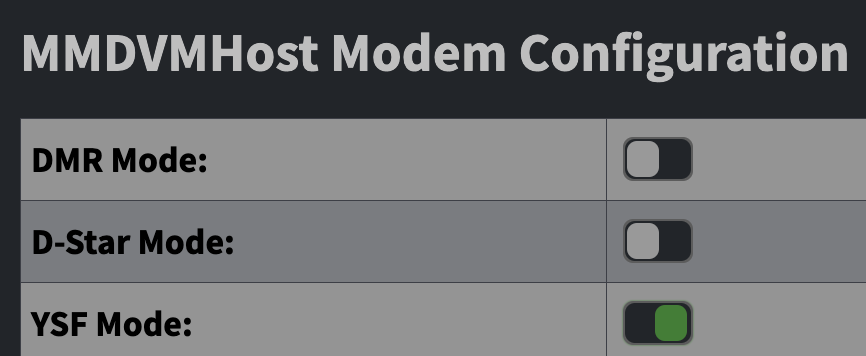
Apply Changes to save the configuration. After the hotspot re-starts and the page returns, scroll to Yaesu System Fusion Configuration.
Set a YSF Startup Host. In this example, I will set “FCS00290 - America-Link-WiresX”, but you may choose any other.
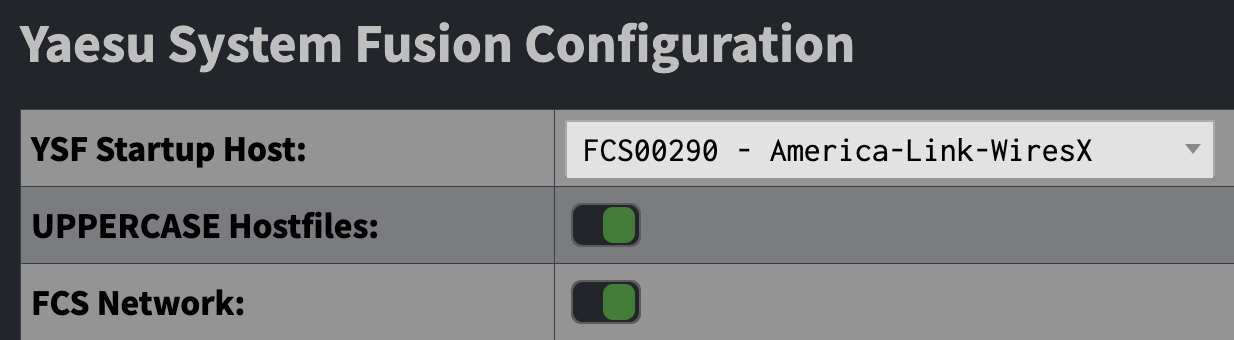
Leave UPPERCASE Hostfiles and FCS Network toggled on. You need not make any other changes in this section. Apply Changes to save the configuration.
If you have followed the instructions correctly, on your Dashboard in Mode Status, you should see YSF green; in Network Status, you should see YSF Net green. Below that, in YSF Status, you should see that you are in a room (such as America-Link-WiresX).
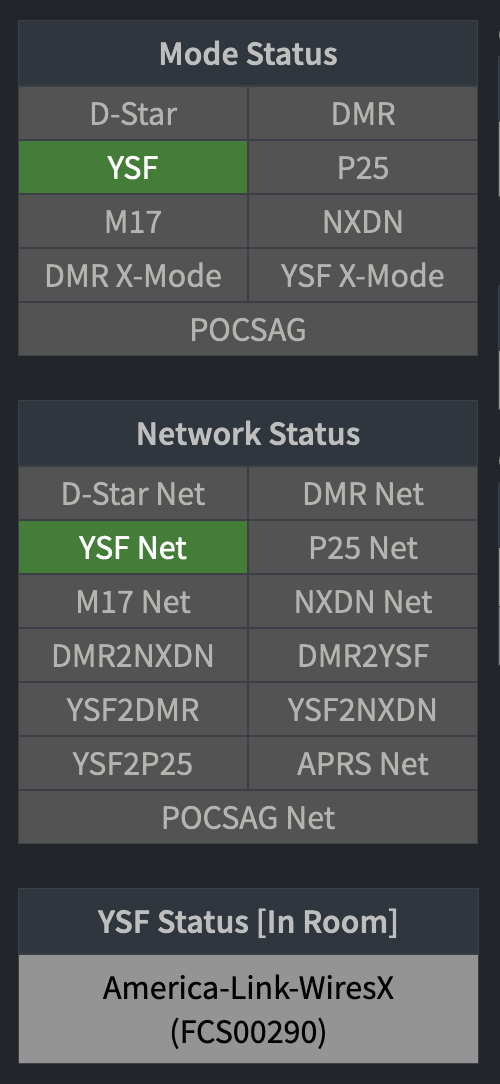
You have completed configuring your hotspot for YSF mode on the Fusion network. Continue to Zero to Hero for information about setting up your radio the first time.